
Discover, save, and upload
Collect references you can find again—and explain why you kept them.
Find something worth keeping
Browse Discover, search for the kind of interface you are building, and open a design to look closely. Save it to keep it in your references. Follow creators when you want to keep seeing their work. A useful library includes different solutions to the same problem, not just variations of one style.
Give each save a purpose
Use the save flow to choose a collection. Name collections for a surface or decision: Onboarding, Dense tables, or New Homepage. Add a note while the reason for saving is still fresh. You do not need to organize your entire library before starting a project.
Bring your own references
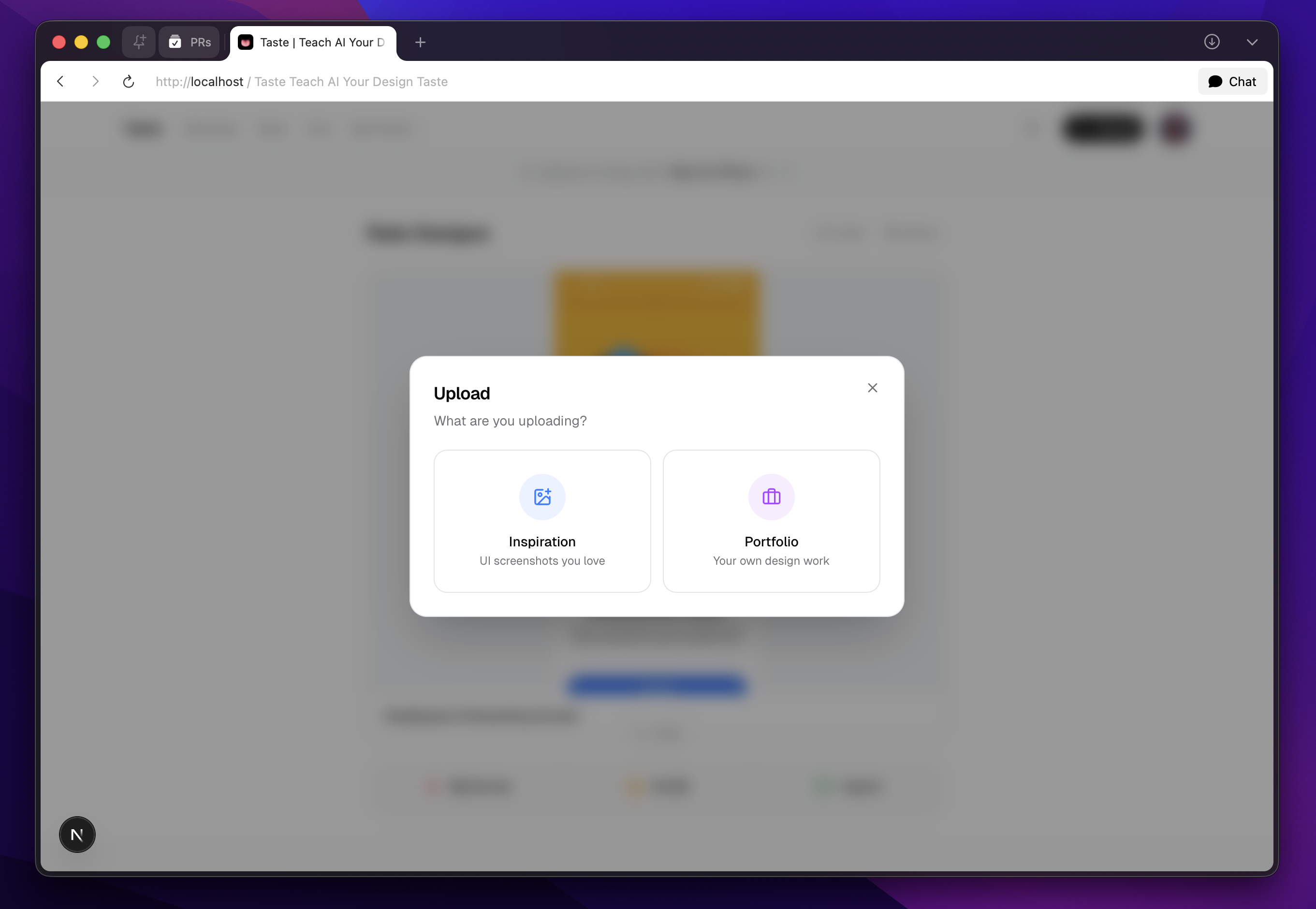
- Open Upload and choose inspiration for a reference you want in your library. Portfolio is for your own work.
- Select or drop JPEG, PNG, WebP, or GIF images. The web picker supports up to 20 images per upload and compresses them.
- Review the images and their details, choose the relevant collection, and check visibility before confirming.
- Wait for processing to complete, then inspect the saved result. Add a note explaining which parts matter.
Keep the library broad; keep the project focused
Use descriptive names, tags, and focused collections to make references retrievable. Include a mix of layout, navigation, typography, and interaction references when each contributes something different.
What success looks like
You can find a useful reference again, say why you saved it, and place it in the right project context.
Study a sequence with Flows
Where Flows is available, browse app and website sequences instead of isolated screenshots. Search by app or flow, filter by platform, and inspect how one screen leads to another. Use Your annotations to revisit notes made on flow references.
Flows availability and available reference content may vary. A sequence can help explain navigation or onboarding; it does not mean the agent has run the original app or verified its interactions.