Your good eye goes everywhere.
Upload screenshots, rate community designs, and browse your library — all from your iPhone.
What you can do
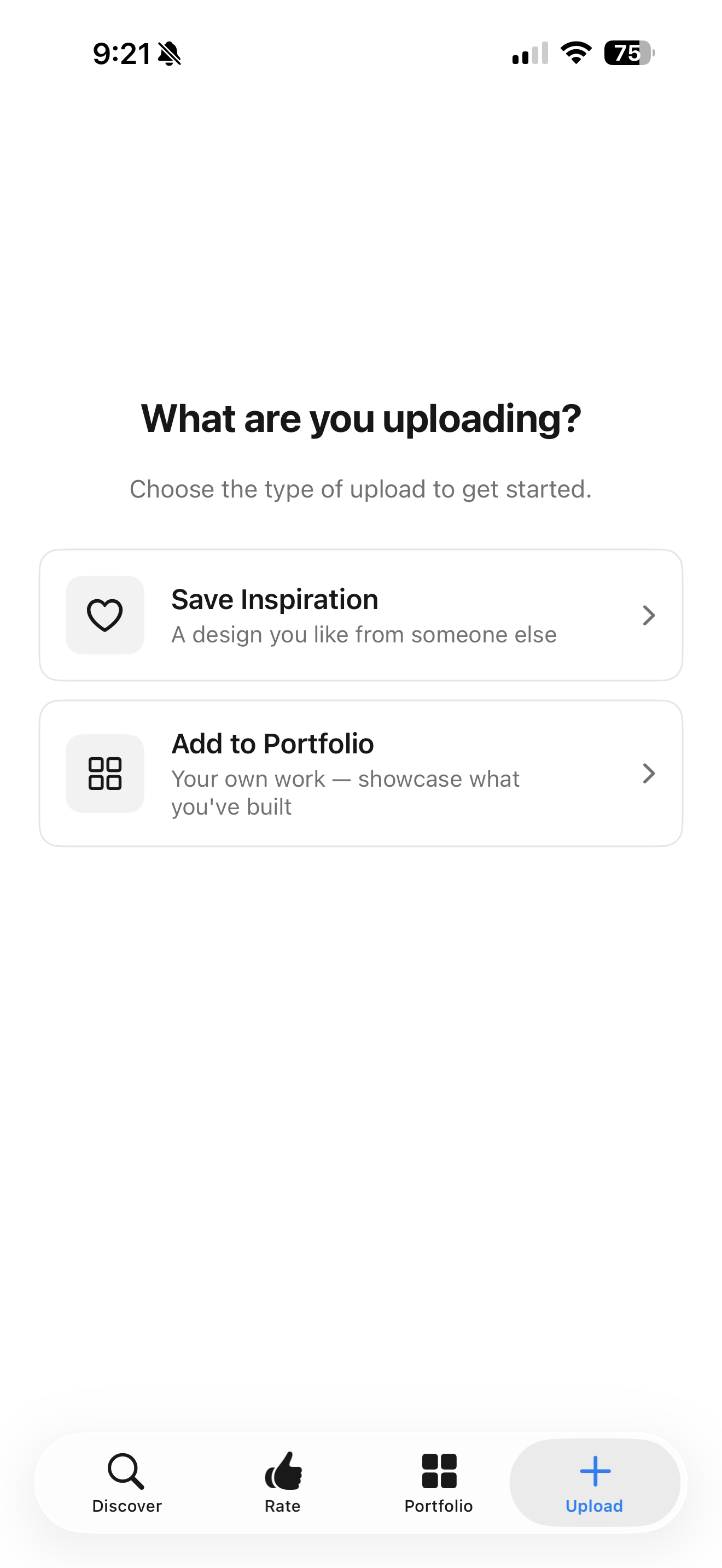
Upload from your camera roll
Screenshot anything on your phone, then upload it to Taste with a tap. Pick a category, add a note about why you like it, and AI does the rest.
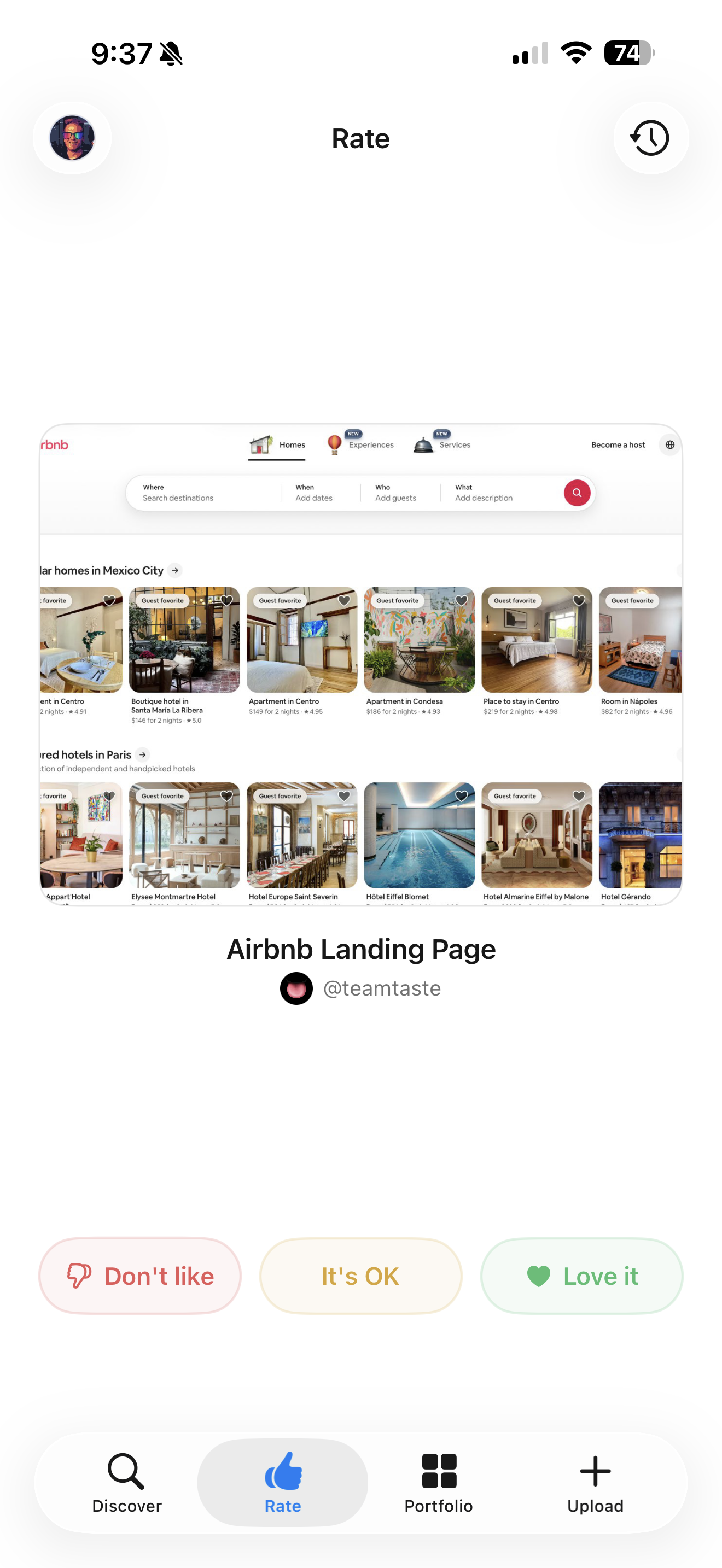
Swipe to rate
Browse community designs and swipe to rate them. Love it, skip it, or mark it as not your style. Three simple reactions that sharpen your taste profile over time.
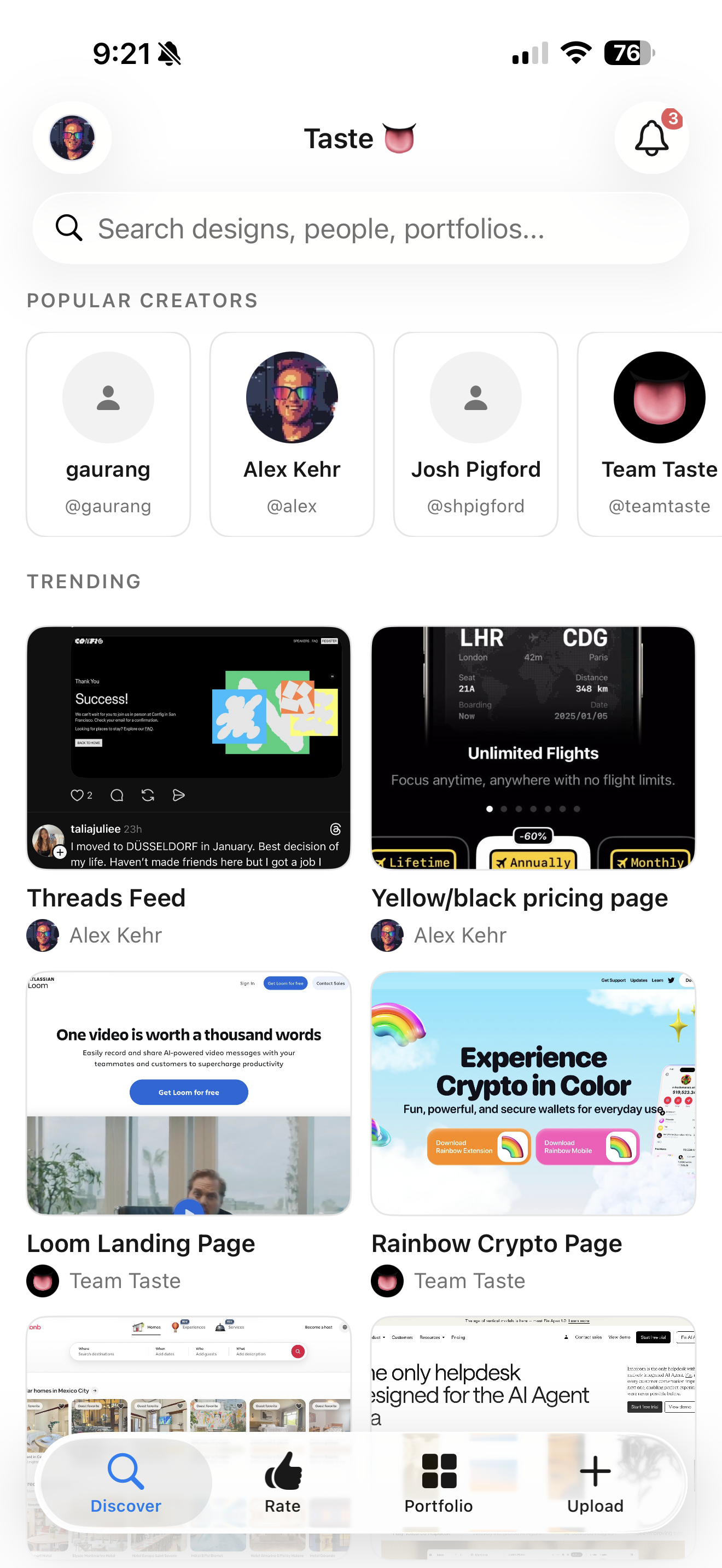
Browse your library on the go
Your full sample library is available on your phone. Search by category, tag, or color palette. Pull up a reference screenshot while you're in a meeting or at a coffee shop.
Everything syncs
Samples you upload from iOS appear on your Mac and web library instantly. Your taste profile updates across every platform and every AI tool.
Build your taste. Bring it everywhere.
Free to start. Your library follows you to every app and AI tool.