Save design anywhere.
Use it in every AI tool.
Taste runs on your Mac, your iPhone, in Figma and on the web. Everything you save goes to one library, and your AI tools design with it.
Mac 0.4.0 · macOS 15 or later · Free
Every place you work
Pick the ones that fit how you collect. They all share one library.
Taste for Mac
macOSCapture any interface with ⌘⇧T. It lands in your library, analyzed, and your AI tools can use it right away.
Version 0.4.0 · macOS 15 Sequoia or later · Apple silicon and Intel · What’s new

Taste for iPhone
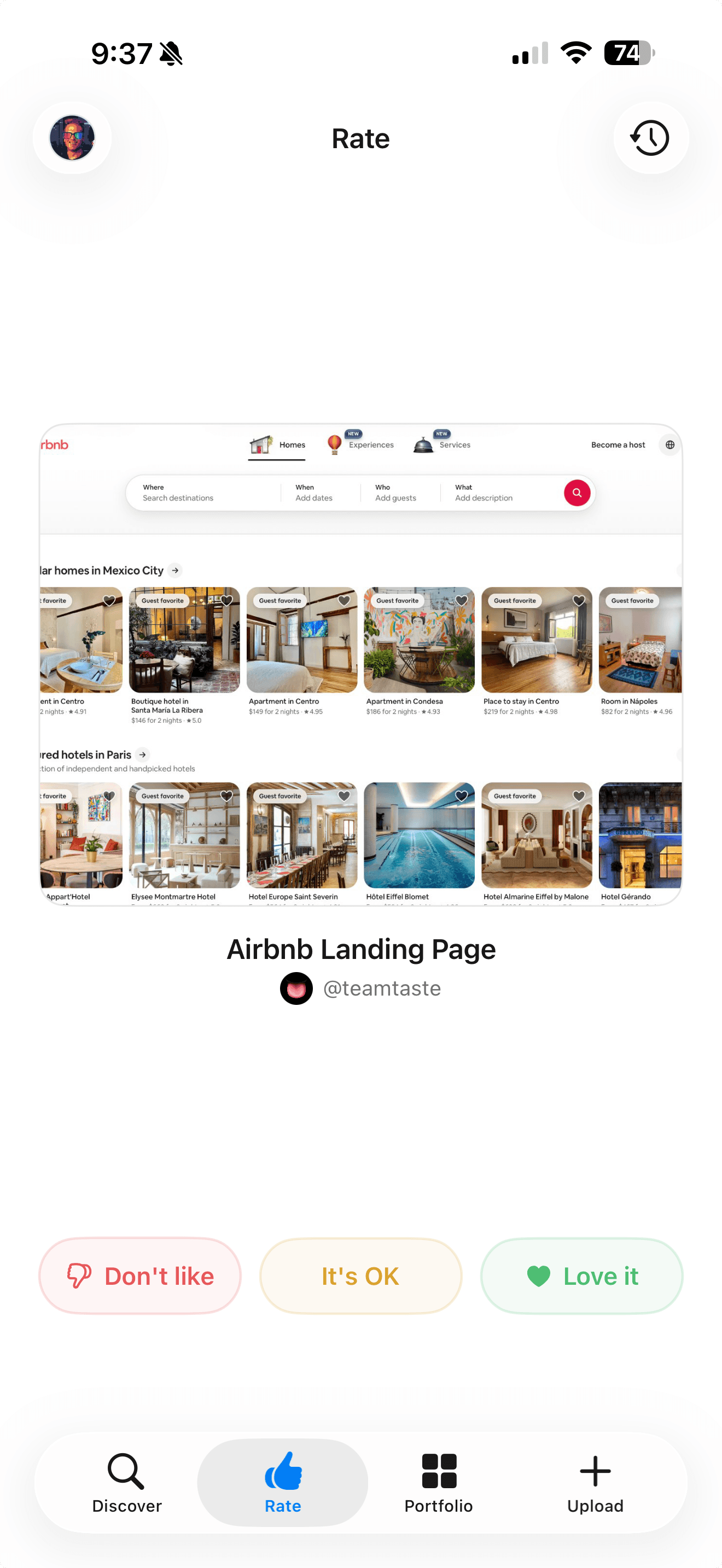
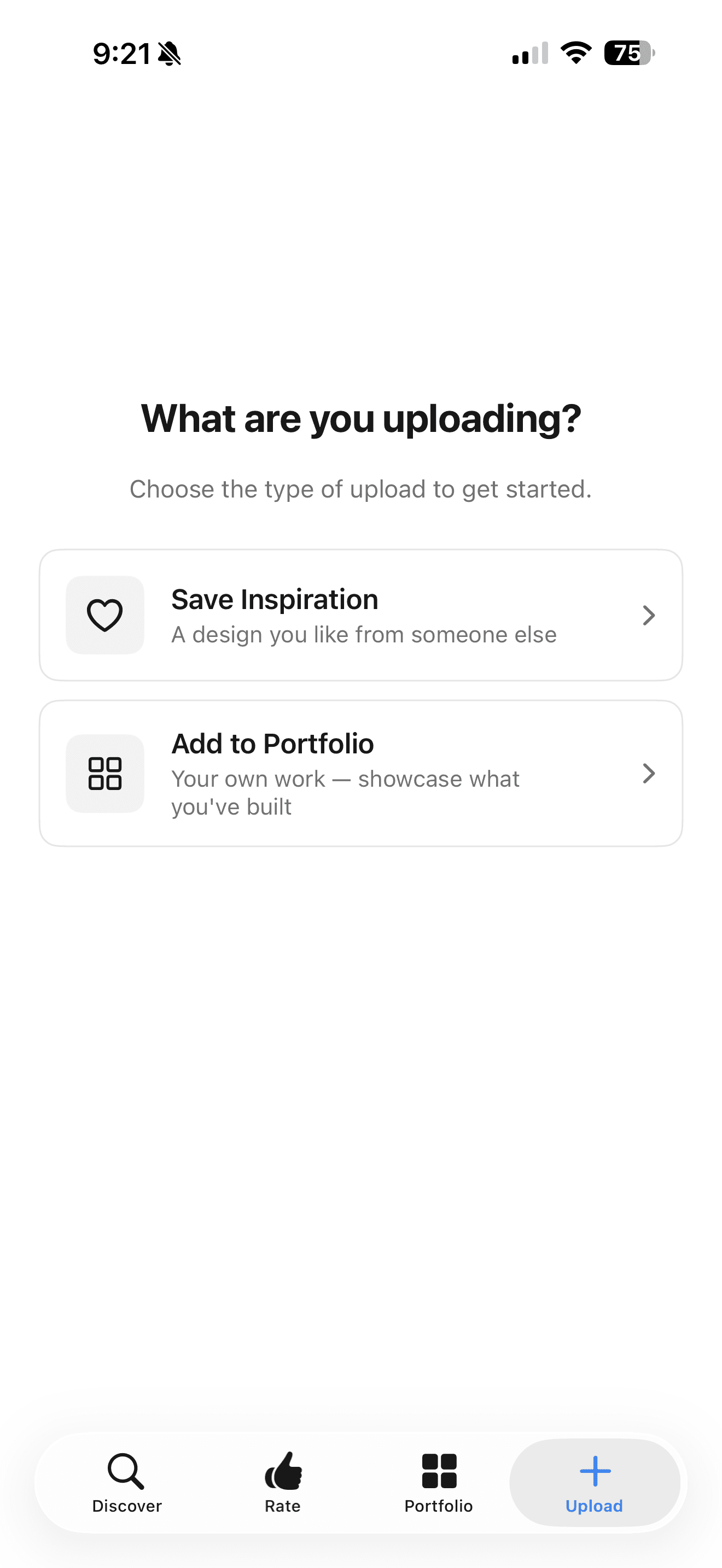
iOSSave screenshots from anywhere with the share sheet, and swipe through designs to sharpen your taste on the go.
Taste for Figma
Figma pluginSave a frame or component to your library without leaving the canvas, and bring your taste into Figma Make.
Taste in your AI tools
MCPConnect ChatGPT, Codex, Claude and Cursor once. They read your references and taste profile while they build.
Taste on the web
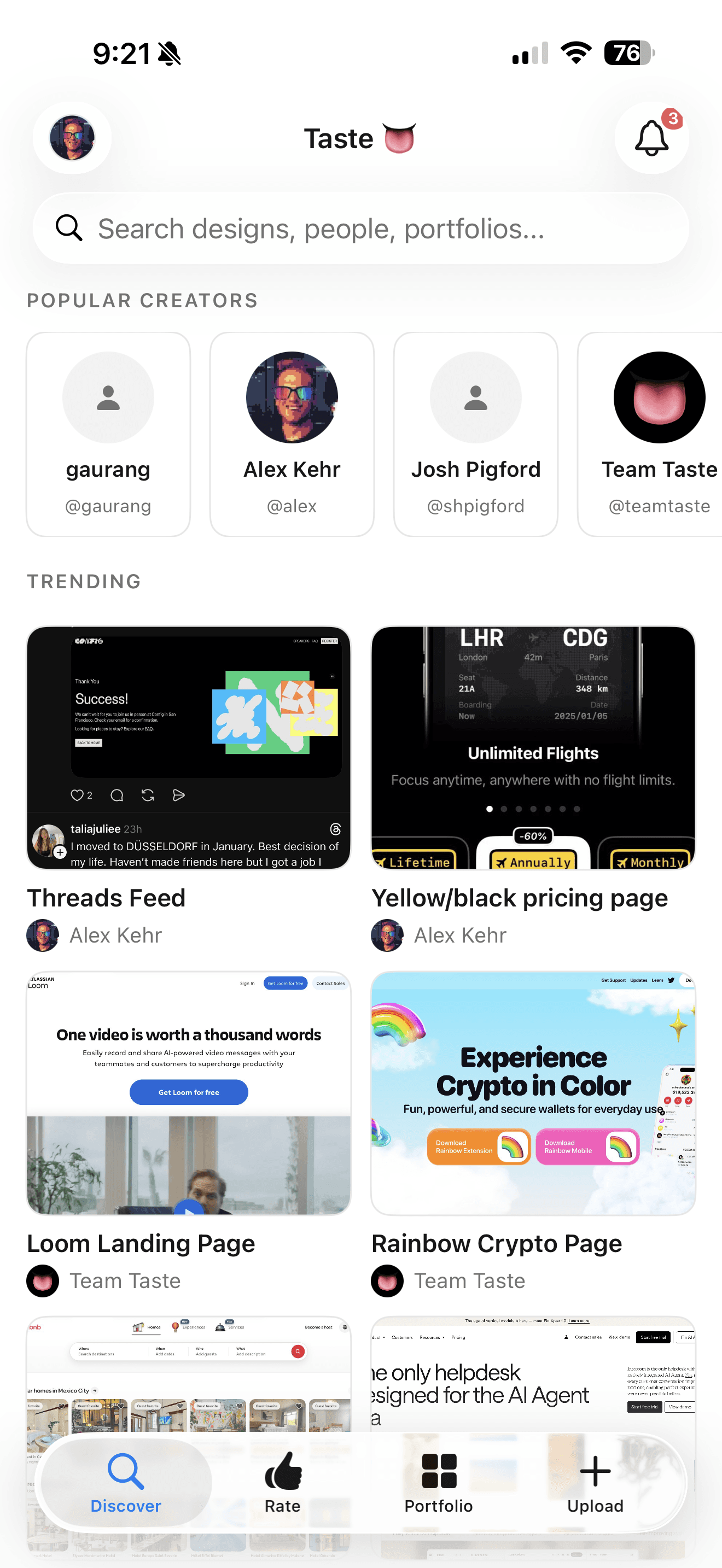
Any browserYour full library, collections and taste profile. Drag images in to upload, nothing to install.
Questions
- Do I need an app to use Taste?
- No. Everything works in the browser at buildwithtaste.com. The Mac app, iPhone app and Figma plugin make saving faster from wherever you find design.
- Which Macs does Taste support?
- Taste for Mac 0.4.0 runs on macOS 15 Sequoia or later, on Apple silicon and Intel.
- Which AI tools work with Taste?
- Any tool that supports MCP, including ChatGPT, Codex, Claude, Claude Code, Cursor and Figma Make. Connecting is included on the free plan.
- Do my saves sync between apps?
- Yes. Everything you save on Mac, iPhone, Figma or the web goes to the same library and the same taste profile.
Start your library on the web.
Free to start. Add the apps whenever you like.