Save the designs you love.
Your AI builds with them.
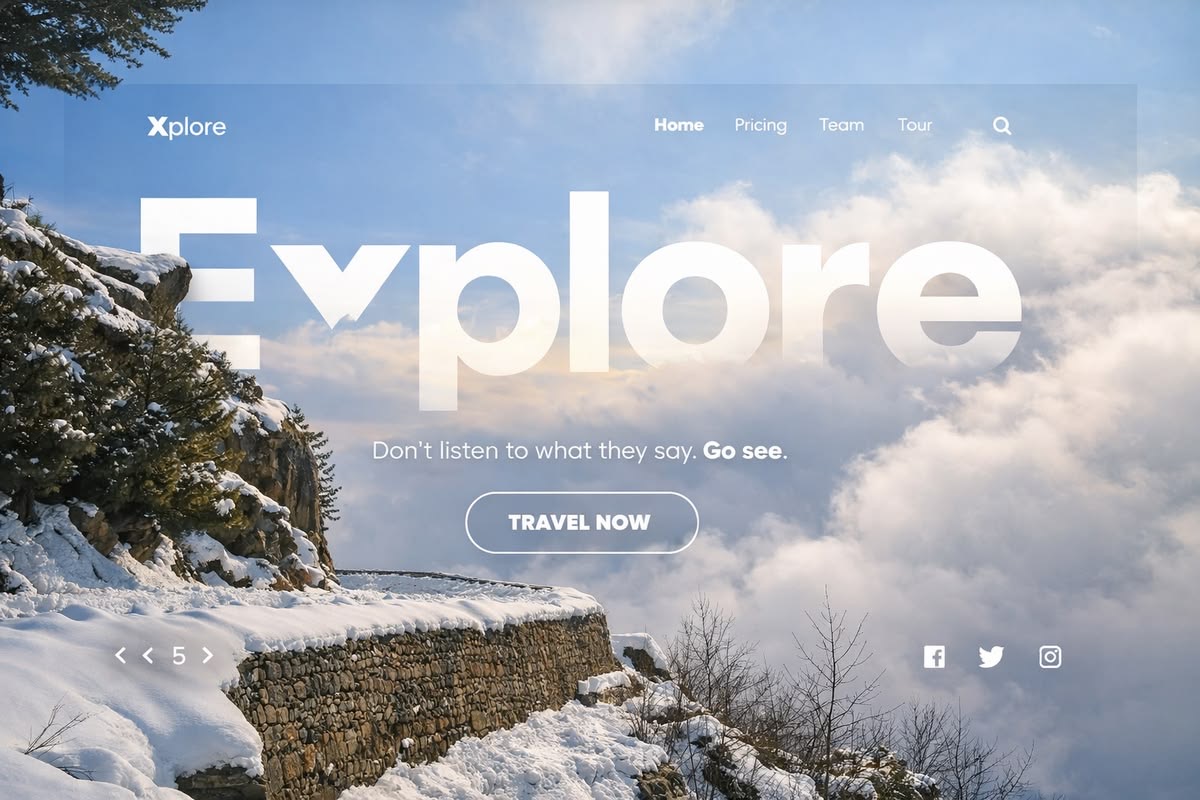
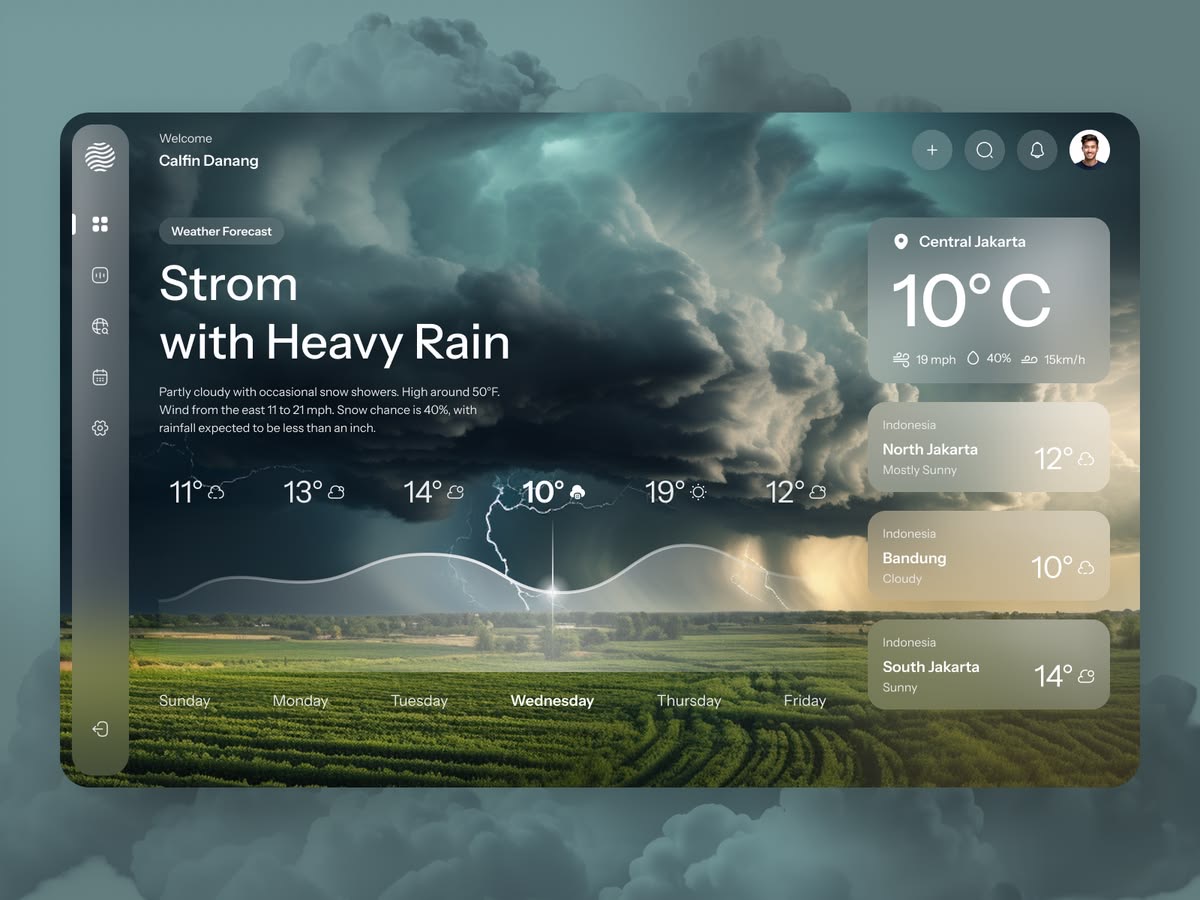
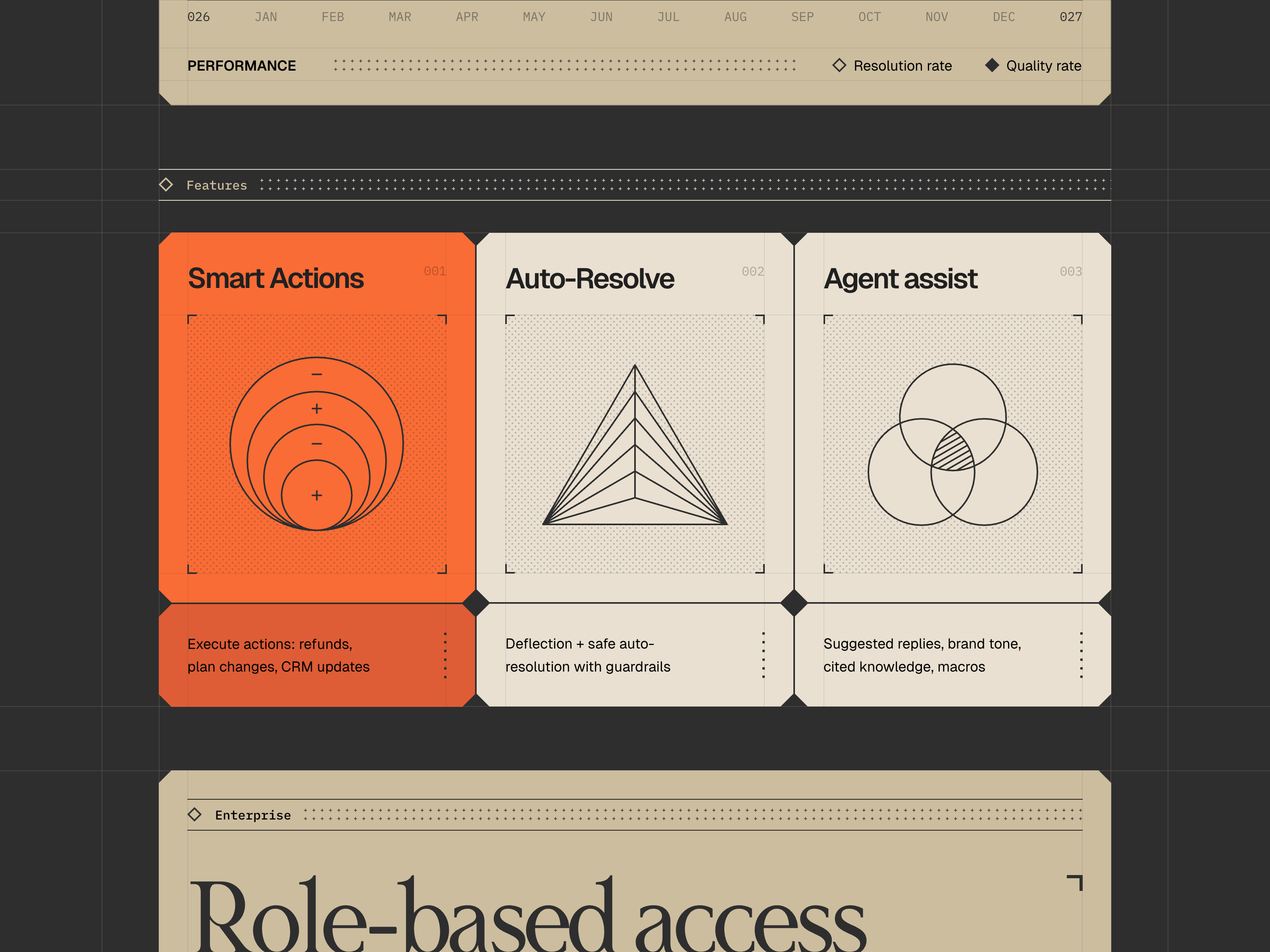
Collect what catches your eye.
Save screens, flows and motion from the community, or upload your own. Group them into a collection for each project.
Explore designsWebsite redesign
6 references
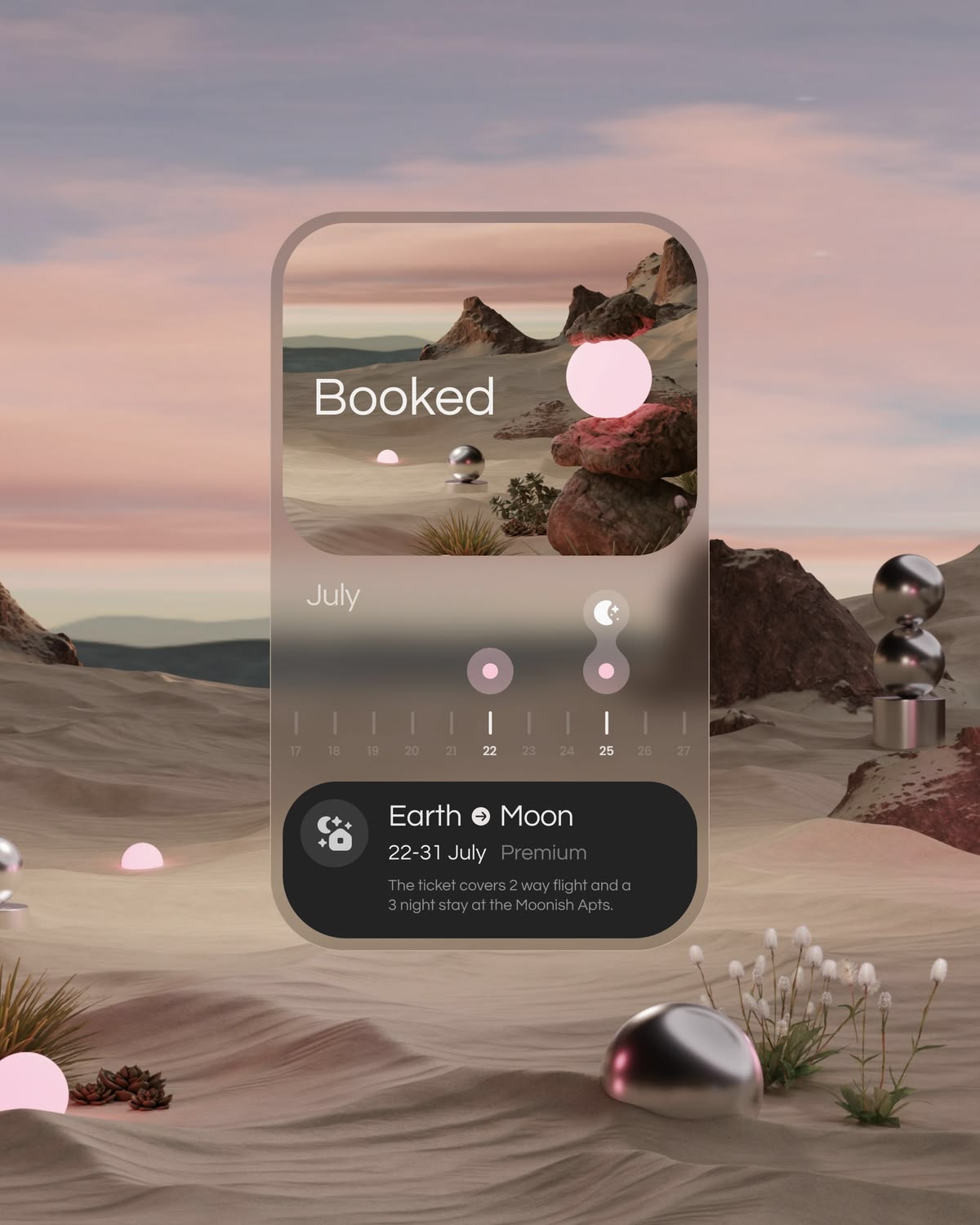
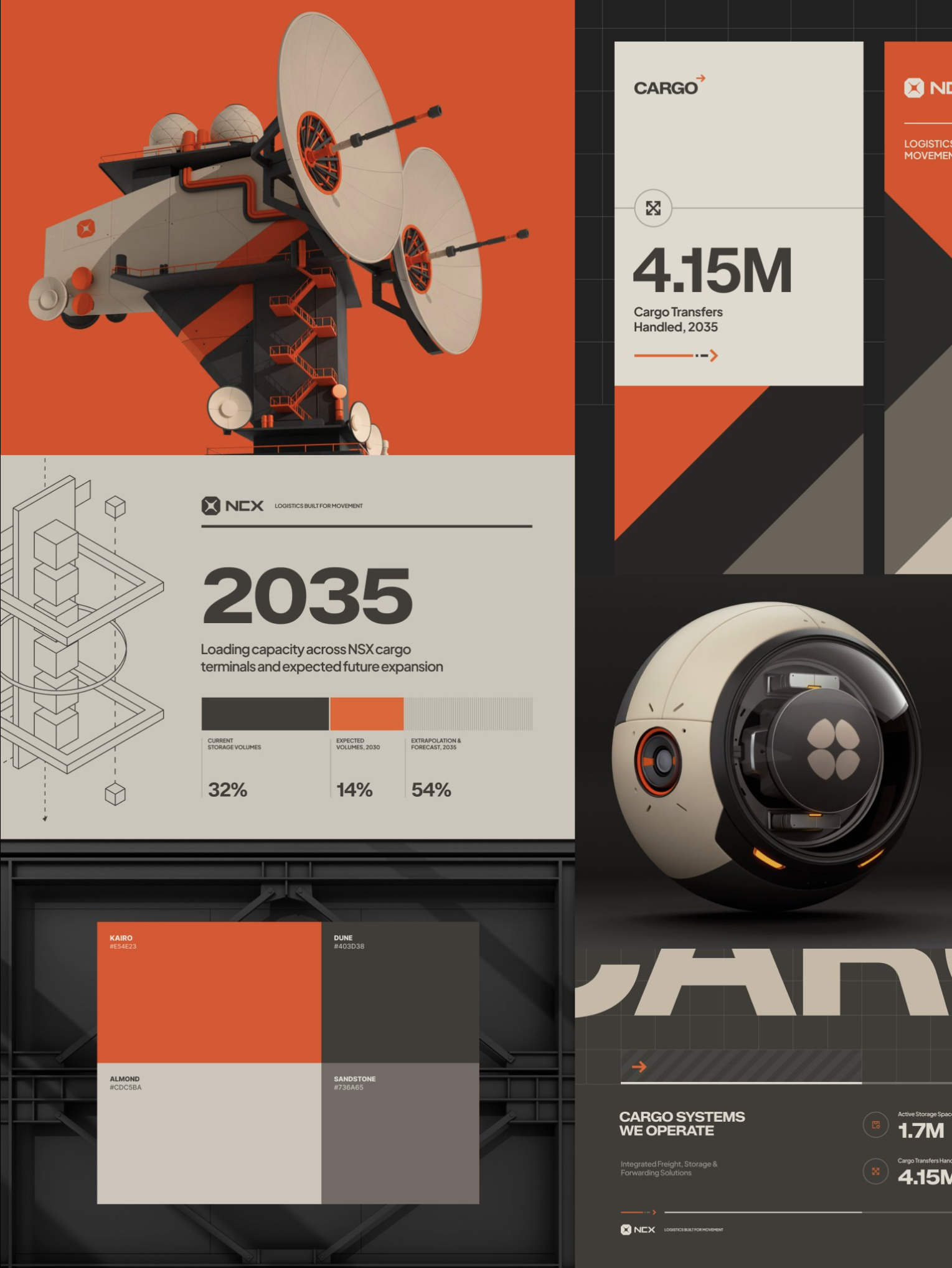
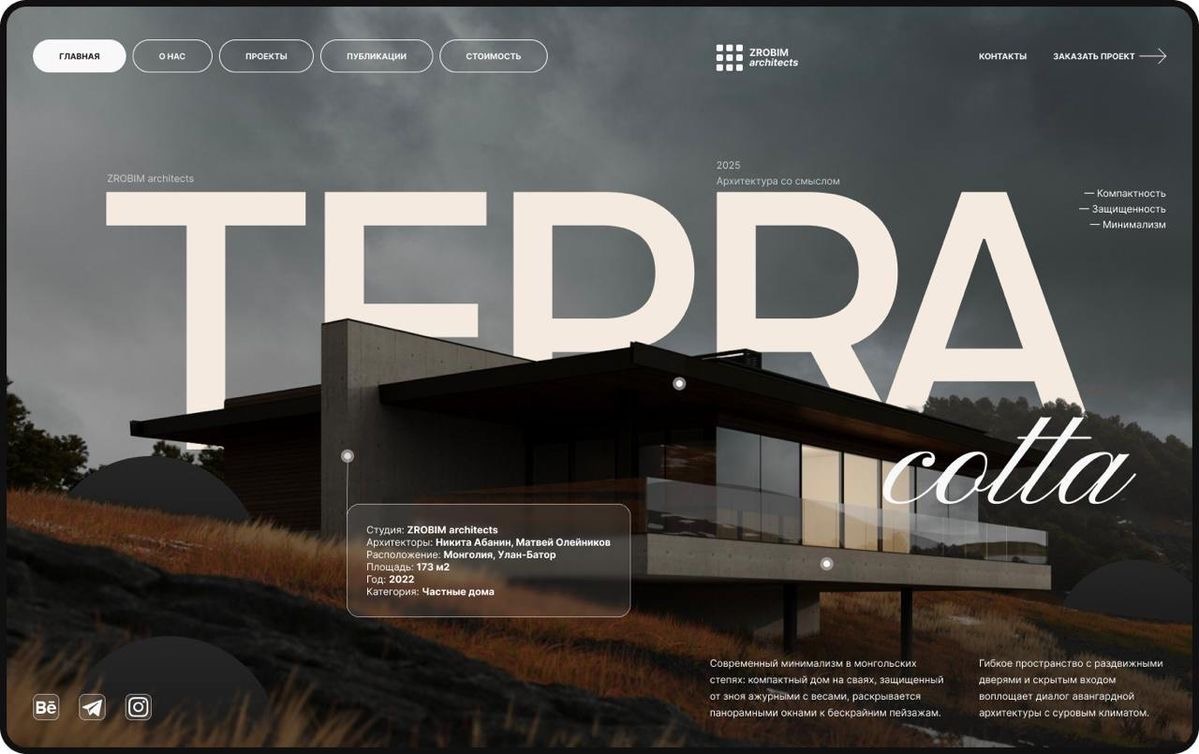
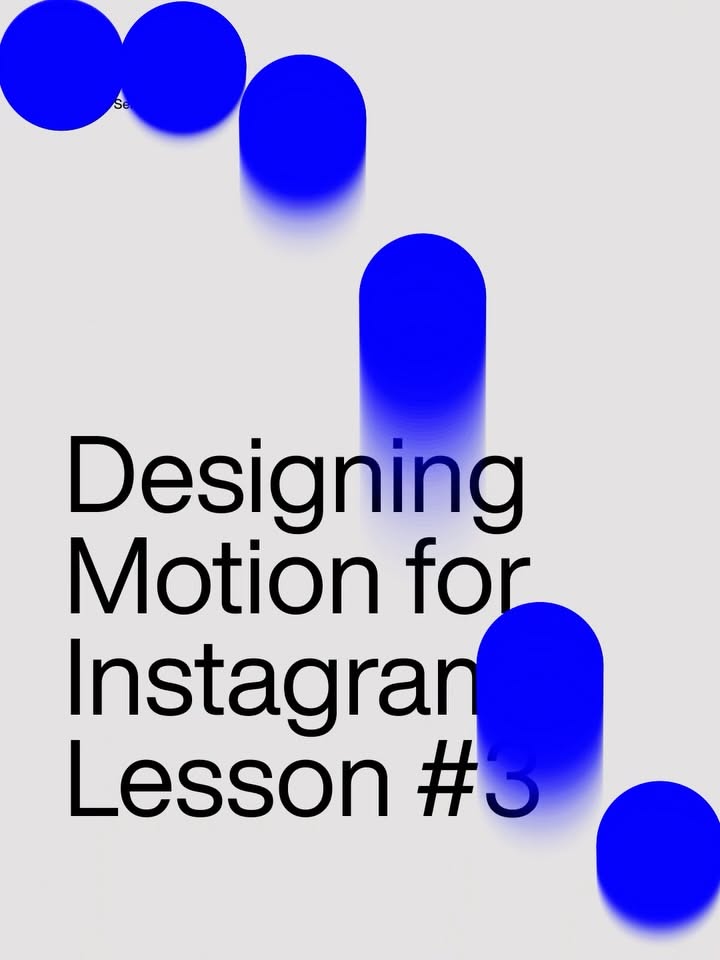
Say what you like about it.
A screenshot can mean a hundred things. A short note tells your AI which part matters: the spacing, the type, the way a button sits.
Your note
Keep this generous spacing. Make the main action the only filled button.
Taste learns your point of view.
From what you save and swipe, Taste writes a profile of what you prefer and what you avoid, so you never rewrite the same brief.
Try swiping Your taste profileExample
You prefer
- Room to breathe
- Clear hierarchy
- Colour with a purpose
You avoid
- Competing buttons
- Decoration without a job
- Motion that gets in the way
Density
Contrast
Motion
Build with it in any AI tool.
Connect ChatGPT, Codex, Claude or Cursor once. They read your references, notes and profile while they design, and you review what they make.
Connect your agentsDesign the settings page for my app.
Read your Taste profile and 6 referencesGoing with what you like:
- Dark by default, one quiet accent
- Grouped rows with generous spacing, like your saved iOS settings
- No heavy borders; soft radius and flat surfaces
Questions
- What can I do with a free account?
- Save designs, organize collections, add notes, swipe to build your taste profile and connect your AI tools. Pro adds more analyses, design breakdowns and a deeper profile.
- Does Taste build the design for me?
- Your AI tool does the building. Taste gives it your references, notes and preferences to work from, and you review what it makes.
- Do I have to connect an AI tool?
- No. Your library is useful on its own. Connect ChatGPT, Codex, Claude or Cursor whenever you're ready.
- What is MCP?
- MCP is the standard AI tools use to connect to apps like Taste. You approve the connection once, then ask your AI to use your references and profile.
Start with one design you love.
Free to start. Save your first reference in seconds.