Your design taste, understood by AI.
Save UI you love. Taste turns it into a live skill file so your AI knows what good design looks like. On every prompt.
Now in private beta
Three steps. Zero generic UI.
Capture what catches your eye. AI extracts the design language. Your tools stay in sync.
Taste your page
Screenshot any UI that inspires you. Hit Cmd+Shift+T and select a region.
Lick your screen.
Taste lives in your menu bar. Click it below to see what the experience feels like.
Works with Cursor, Claude Code & Codex
Capture anywhere. Your taste follows.
Mac menu bar for instant capture. iOS for on-the-go inspiration. Web to browse and manage your library. Figma plugin coming soon.
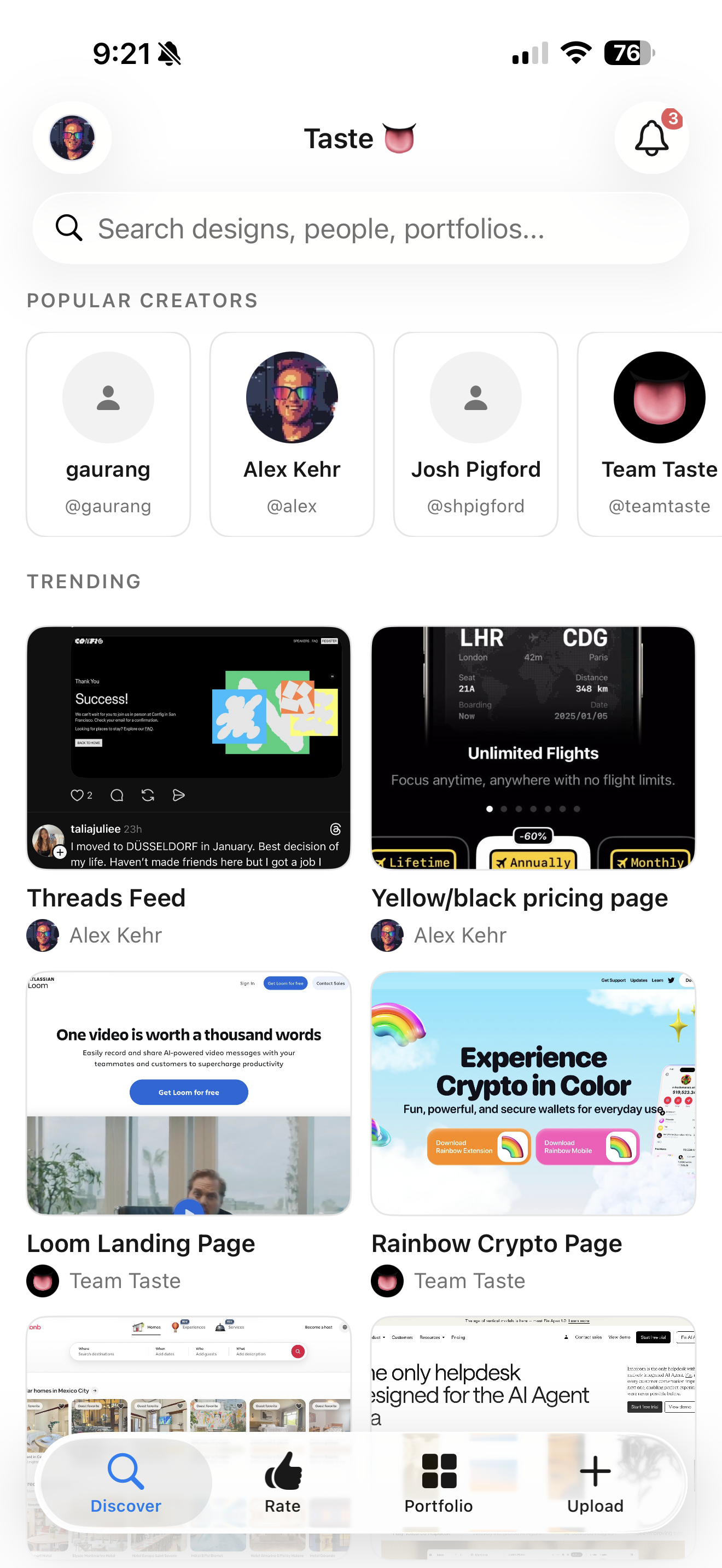
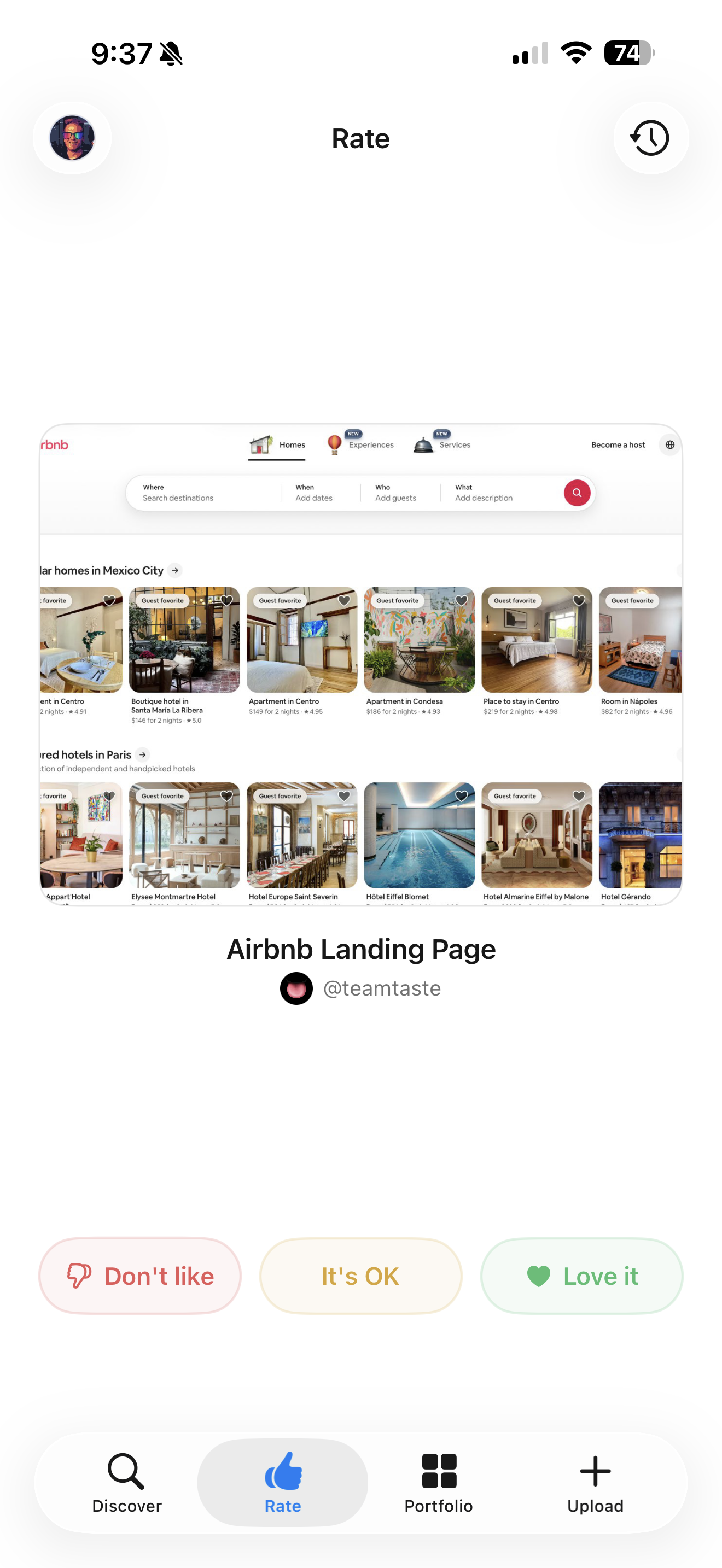
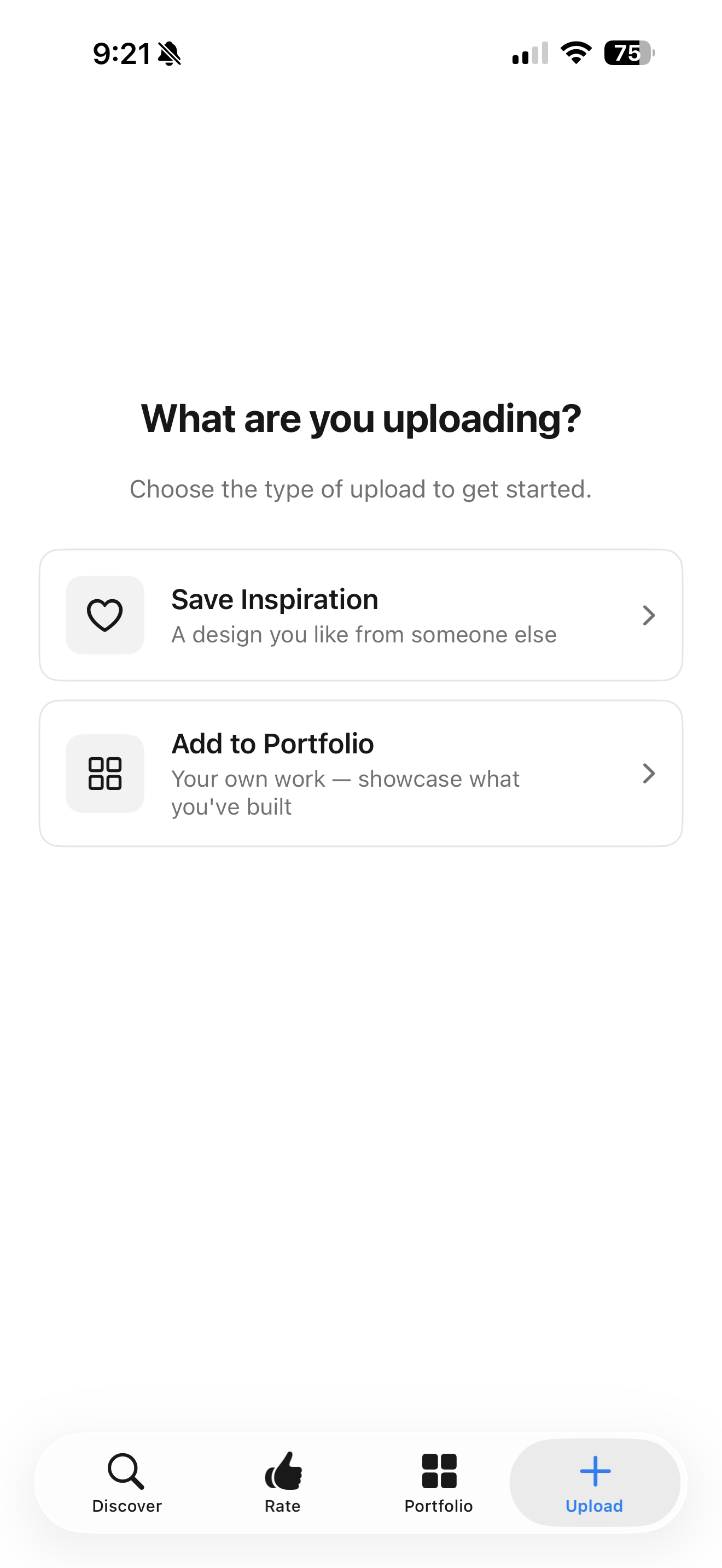
Every screenshot, searchable.
Browse, search, and manage everything you've captured. Categorized, tagged, and always at your fingertips.
A skill your AI actually reads.
Taste generates a skill file that lives alongside your projects. Here's what it looks like in Codex.
Design Taste
Your personal design taste profile
Use $taste-design-library to guide design decisions based on my saved visual preferences.
How to use this file: The tokens below are observations about UI the user admires. They are NOT a spec to implement. Never copy hex codes, spacing values, or font sizes into a project. Instead, read the Taste Profile for qualitative guidance, and glance at the reference screenshots to calibrate your instincts.
Taste Profile
This person gravitates toward a cool and muted color palette, favoring subtle contrasts that create a calm and sophisticated feel. Their typography choices reflect a preference for clean, spacious layouts that balance clarity and modernity without being overly heavy. They appreciate generous spacing, resulting in airy compositions that invite interaction while maintaining a sense of order. The shape language leans towards rounded edges and softer forms, enhancing the approachable nature of their designs. A minimal use of shadows suggests an emphasis on flatness, contributing to an overall vibe of understated elegance and functionality.
Reference Samples
Navigation
testing (Navigation) · sampled Mar 13, 2026
What's inside.
Capture, extract, and export. Taste does the work so your AI tools get it right.
Auto-syncs to your AI tools
Free to use. Seriously.
Taste is free to start with real features, not a gutted trial. Upgrade to Pro when you need more.
Stop fighting AI-generated UI. Teach it what good looks like.
Build a design taste profile so your AI coding tools finally get your aesthetic right.
Private beta · macOS, iOS, Web & Figma